


MOD介绍
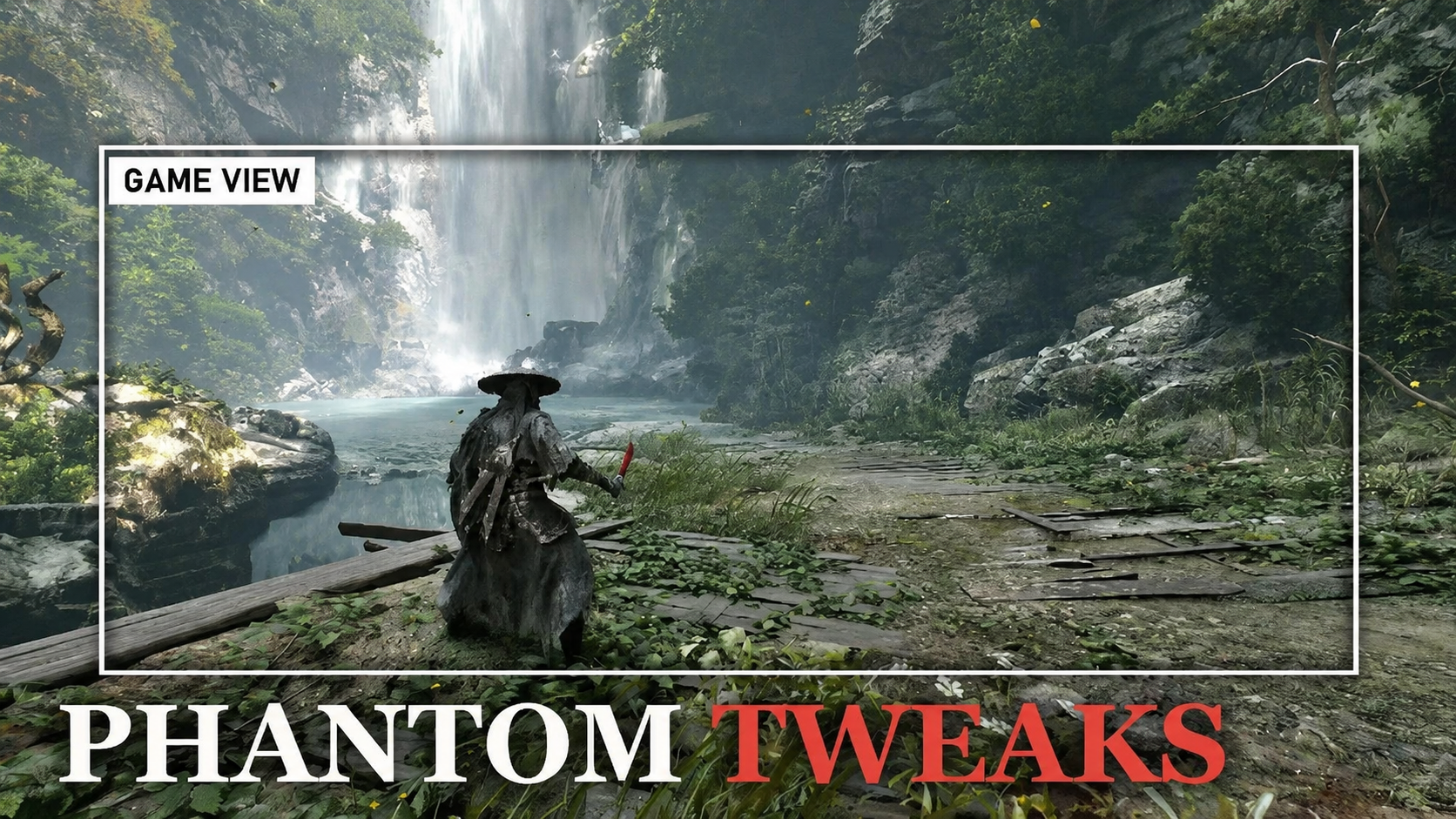
PHANTOM TWEAKS
Field of view · Camera distance · Lock-on height · Ultrawide HUD · Clean image · All live in an in-game panel
Game patch 1.0302256 (4 Nov): the patch stops UE4SS for Phantom Blade Zero from starting, so no UE4SS mod loads (this one included) until UE4SS has the signature fix. I have uploaded a patch fix for it, listed in the file requirements, and sent it to the UE4SS author. The patch also made the game ignore every console-variable write, which is how the five image switches (chromatic aberration, vignette, depth of field, lens flares, bloom) worked up to 1.1.0. 1.1.1 does them another way and works on the new build.
Phantom Blade Zero looks incredible, but on PC there's no field-of-view slider, no camera distance, and no way to switch off its heavy vignette, chromatic aberration, depth of field, lens flares or bloom. Phantom Tweaks adds all of that in one in-game panel (F9). Every change applies instantly, with no restart and no ini editing, and Ctrl+F9 flips back to the game's own look so you can compare.
Tested in game on Phantom Blade Zero patch 1.0302256 (Steam build 26367565), with the UE4SS signature fix; earlier versions were tested on build 26266538 with UE4SS for Phantom Blade Zero 1.0.1. All screenshots on this page are real captures.
[compare before=https://staticdelivery.nexusmods.com/mods/10614/images/44/44-1793780753-1359706278.png]https://staticdelivery.nexusmods.com/mods/10614/images/44/44-1793780755-988201404.png[/compare]
Features
• Field of view (50-130): the game's normal camera is 75. Phantom Tweaks works through PBZ's own camera system, so the camera eases to your FOV the way it eases between its own views, and combat, lock-on and special-move views keep their zoom in proportion (the hold-deflect view, 60, becomes 76 at FOV 95). Cutscenes keep their framing.
• Camera distance (-150 to +500): move the camera further back or closer, in every camera view, on top of the game's own distance changes.
• Lock-on height (new in 1.1): lower (or raise) the camera only while you're locked on to an enemy, for a lower, more cinematic duel view; the normal camera stays as it is. Experimental: if it doesn't kick in for you, the panel's status line names the camera mode the game is in, please post it.
• Clean image: switch off the vignette (it darkened the screen edges by about 40% in our daylight test scene), chromatic aberration, depth of field, lens flares and bloom, each on its own. Depth of field acts on cutscene cameras (the gameplay camera has almost none); it is confirmed in gameplay but not yet checked in a cutscene.
• Ultrawide (21:9 / 32:9): gameplay is already wide in PBZ; Phantom Tweaks switches off the aspect-ratio boxing on cutscene cameras (in testing on a 3440x1440 screen it found and unboxed them as they were created). Auto turns it on only for screens wider than 16:9.
• Ultrawide HUD (new in 1.1): PBZ keeps its HUD in a 16:9 box in the middle of the screen. Edges moves the health bar, quick slots and buffs out to the left edge and the weapons to the right edge; Halfway stops in between (nice on 32:9). Tips, the boss bar, subtitles and menus stay centred, and 16:9 screens are untouched. Off by default.
• Ctrl+F9: every tweak off and on at once, to compare with the game's look.
• Tells you what it's doing: the panel's status line shows exactly what's applied ("FOV 95: applied (123 camera modes)").
• Puts everything back: "Game" on any row restores the game's own value, not a guessed default.
• Light: pure Lua, nothing injected into the renderer, no game files replaced.
Sharpness, film grain, motion blur and camera shake are already in the game's settings, so they aren't duplicated here.
Requirements
• UE4SS for Phantom Blade Zero.
Installation
Main file
• Install UE4SS for Phantom Blade Zero: dwmapi.dll and the ue4ss folder go next to the big PBZ.exe in PBZ\platform\steam (not the small launcher in PBZ\steam).
• Install with Vortex, or extract the zip into the game folder (...\steamapps\common\PBZ) so you get PBZ\platform\steam\ue4ss\Mods\PhantomTweaks. No mods.txt editing needed.
• In game, press F9.
Controls
F9 panel · Up/Down row · Left/Right change (Shift = faster) · Home back to the game's value (again = undo) · Ctrl+F9 all tweaks off/on. While the panel is open the arrow keys also reach the game, so close it before you play. Keys can be changed in settings.ini.
Compatibility
• UE4SS for Phantom Blade Zero: its ConsoleEnablerMod uses ~ and F10; F9 is free. If F9 is ever also a console key, the mod takes it back.
• Other UE4SS and pak mods: fine. (Engine.ini tweak packs do nothing in this game: it doesn't read a loose Engine.ini.)
• Other FOV / camera mods or ultrawide fixes: use one at a time, or set Field of View, Camera Distance and Ultrawide Fix to Game/Off here.
• HDR, DLSS, frame generation, path tracing: the tweaks are post-process and camera settings, independent of the upscaler. Tested with the game's HDR on.
[compare before=https://staticdelivery.nexusmods.com/mods/10614/images/44/44-1793264879-1902591621.png]https://staticdelivery.nexusmods.com/mods/10614/images/44/44-1793264881-1841611045.png[/compare]
FAQ
How does the FOV work without fighting the camera?
PBZ's camera switches between about 120 camera modes (normal view, combat, lock-on, special moves...) and eases towards each one's FOV. Phantom Tweaks scales those targets, so the game keeps doing its own smooth transitions and zooms, just wider. That's also why cutscenes aren't affected: they use their own cameras.
Why does Vignette Off also remove film grain?
The two are switched off together. If you like grain but not vignette, keep Vignette on Game and use the game's Film Grain slider.
The image switches (vignette, bloom...) do nothing?
Update to 1.1.1. Game patch 1.0302256 made the game ignore the console variables that 1.0.x and 1.1.0 used for those rows (FOV and camera distance use another route, so they kept working). 1.1.1 uses the cameras' own post-process settings instead.
Ultrawide Fix and Ultrawide HUD do nothing on my screen?
They only act on screens wider than 16:9, so on a 16:9 screen (including 4K 16:9) there is nothing for them to change. That is by design.
F9 does nothing?
Open ue4ss\UE4SS.log (in PBZ\platform\steam) and search for [PhantomTweaks]. No line: UE4SS isn't loading the mod. dwmapi.dll and the ue4ss folder must be next to the big PBZ.exe in PBZ\platform\steam (not the small launcher in PBZ\steam), the mod in platform\steam\ue4ss\Mods\PhantomTweaks, and UE4SS for Phantom Blade Zero up to date. Since patch 1.0302256: if UE4SS.log keeps saying "Was unable to find AOB for 'GNatives'", UE4SS itself needs its update for the patch (see the note at the top). The line is there: on a laptop try Fn+F9, or pick another key (PanelKey in settings.ini).
Is this an .asi / does it inject anything?
No. It's a UE4SS Lua mod that sets the game's camera post-process settings and PBZ's own camera parameters at runtime.
Uninstall?
Delete the PhantomTweaks folder. Everything goes back to the game's own on the next launch.
Credits
• S-GAME, for Phantom Blade Zero
• Vercadi and the UE4SS team, for UE4SS for Phantom Blade Zero