
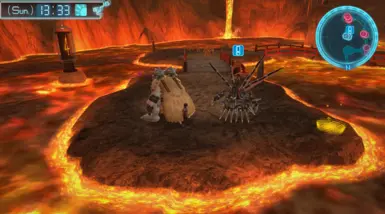

MOD介绍
转载自Athos Benther Exposes some of the Field Camera configurations, such as max distance. Exposes some of the Field Camera configurations, such as max distance, which raises the camera distance limit from the character. No more giant digimons taking all the screen space! 1. Install the Requirements/Download this Link 2. Extract the zip file and move the contents into your Digimon World Next Order directory (Steam\steamapps\common\Digimon World Next Order) 3. Run the game to let the BepInEx to properly install 4. Exit game 5. Download this mod 6. Extract this mod zip file 7. Navigate to your (Steam\steamapps\common\Digimon World Next Order\BepInEx\plugins) There should be one if you succeed in installing the BepInEx properly 8. Drop the cameradistance.dll there 9. Run the game once again to generate the .ini file (\Digimon World Next Order\BepInEx\config\CameraDistance.cfg) 10. Edit the .cfg file using notepad.exe or you prefered text editor 11. Run the game and enjoy! This mods works only on the maps that alow the camera control. You have to use the zoom keys - Q, or LB - to extend the distance past the limit set by the game.