
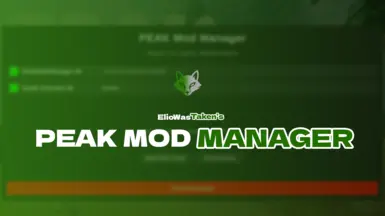

MOD介绍
转载自Elio A simple in-game mod manager for PEAK. Toggle mods on or off, view their status, and restart the game directly from the main menu. Clean UI, no config files needed. Designed to make modding more accessible for everyone. PEAK Mod Manager is a lightweight, in-game mod management tool for the game PEAK . With this mod, you can: View all installed mods (both enabled and disabled) Enable or disable mods with one click See which mods require a restart to apply changes Open the mods folder directly from the UI Restart the game from the interface Enjoy a clean, integrated overlay with no external tools needed How it works Mods are toggled by renaming their file extensions between `.dll` and `.dll.disabled`. Changes take effect after restarting the game, which you can do directly from the Mod Manager panel. The manager appears as a button in the main menu, next to the settings. Compatibility This mod is compatible with BepInEx 5 and works with most other mods that follow standard plugin structure. Mods are detected from the ` BepInEx/plugins ` directory. Installation 1. Install BepInEx 5 if you haven’t already. 2. Drop PeakModManager.dll into your ` BepInEx/plugins ` folder. 3. Launch the g...