
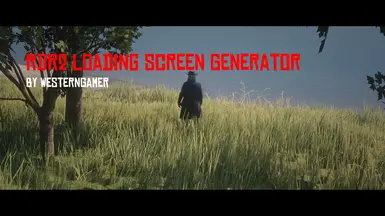

MOD介绍
转载自WesternSpace This is a tool that allows you to create custom loading screens easily and allows you to control some settings of each slide. This tool allows you to create custom loading screens and configure settings for each slide. How to Create a Custom Loading Screen Mod 1. Open the app from the .exe file. For computers that have common file extensions disabled, it would be called RDR2LoadingScreenGenerator (without the .exe at the end). 2. Enter the name, the author, the version (Default is 1.0.0), an optional link to the mod page, and optional metadata. 3. Import images by clicking on Edit at the top left, then click Import. The program only supports PNG and JPEG image files. You can import multiple images at the same time by selecting multiple image files. 4. Optional - Select an image from the list in the middle. A preview of the image will appear on the top right. You can configure settings for the picture right below the picture itself. 5. When you are done configuring settings for the pictures, you can create a LML mod by clicking on File>Export. You can also export as a zip if you are planning on transferring the mod over the internet. 6. A window should appear, telling you what folde...