
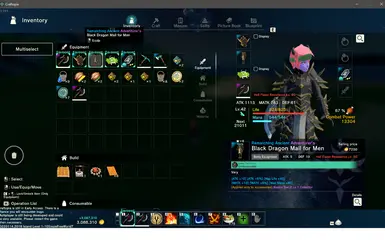

MOD介绍
转载自WALL-E - Customize inventory size on Craftopia How Do I Install? 1. First, install the most recent version of BepInEx ( here ) 2. Put CustomInventory.dll in the "plugins" folder, under "Craftopia\BepInEx\plugins" 3. Play the game and have fun. If you want to make changes to the size. 1. Run the game once after installation to generate the configuration file. 2. Navigate to "Craftopia\BepInEx\config\me.walle.plugin.Craftopia.BigInventory.cfg" and double-click it. 3. Change the value to your liking and save it. 4. Relaunch the game.